Skytech Gaming PC Review 2026 – Are These Prebuilt PCs Worth It?
If you’re looking for a ready-to-use gaming desktop, this Skytech Gaming PC review analyzes performance, build quality, pricing, and overall value for US buyers. Prebuilt gaming PCs have become increasingly popular, and Skytech Gaming positions itself as a mid-range brand offering RTX-powered systems at competitive prices.
Skytechgaming.com is a US-based company specializing in prebuilt gaming PCs. Instead of requiring users to build their own system, Skytech assembles and ships complete desktops using components from major brands like NVIDIA, AMD, and Intel.
This review evaluates real-world performance, upgrade potential, pricing tiers, and how Skytech compares to competitors like iBUYPOWER, CyberPowerPC, and custom builds.
What Is Skytech Gaming?
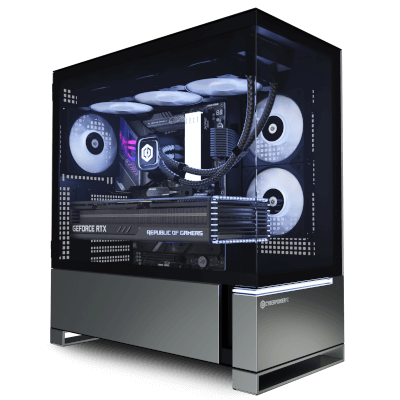
Skytech Gaming is a prebuilt gaming PC brand focused on delivering ready-to-use desktops for:
- Casual gamers
- Competitive gamers
- Streamers
- Entry-level creators
The company assembles systems using off-the-shelf components rather than proprietary parts, which is important for upgrades.
Typical specs include:
- NVIDIA GeForce RTX GPUs
- AMD Ryzen or Intel Core CPUs
- 16GB-32GB RAM
- SSD storage (500GB-2TB)
Systems arrive fully assembled, tested, and ready to use.
Product Line & Configurations
Skytech offers several product lines targeting different budgets.
Entry-Level Gaming PCs
- GTX or entry RTX GPUs
- Ryzen 5 / Intel i5 CPUs
- 16GB RAM
Suitable for:
- 1080p gaming
- Esports titles (Fortnite, Valorant, CS2)
Mid-Range Gaming PCs
- RTX 3060 / 4060 GPUs
- Ryzen 5-7 / Intel i5-i7
- Faster SSDs
Designed for:
- 1080p ultra settings
- 1440p gaming
- Streaming entry-level setups
High-End Systems
- RTX 4070 / 4080 (depending on model)
- Ryzen 7 / Intel i7 or higher
- 32GB RAM
Capable of:
- 1440p high refresh gaming
- Entry-level 4K gaming
- Content creation workflows
Skytech Gaming PC Review: Performance & Hardware
In this section of the Skytech Gaming PC review, we evaluate performance and component choices.
Real-World Gaming Performance
Typical expectations:
| GPU Tier | Resolution | Performance |
| RTX 3060 | 1080p | High-Ultra |
| RTX 4060 | 1080p / 1440p | Ultra |
| RTX 4070 | 1440p | High-Ultra |
| RTX 4080 | 4K | High |
Performance depends heavily on GPU choice, but Skytech systems generally use modern hardware capable of current AAA titles.
Component Quality
Skytech uses recognizable third-party components:
- GPUs from NVIDIA partners
- CPUs from AMD/Intel
- Standard ATX motherboards
- Brand-name RAM and SSDs
Unlike some OEM brands, parts are not locked or proprietary, making upgrades easier.
However, exact brands (e.g., PSU or motherboard model) may vary depending on availability.
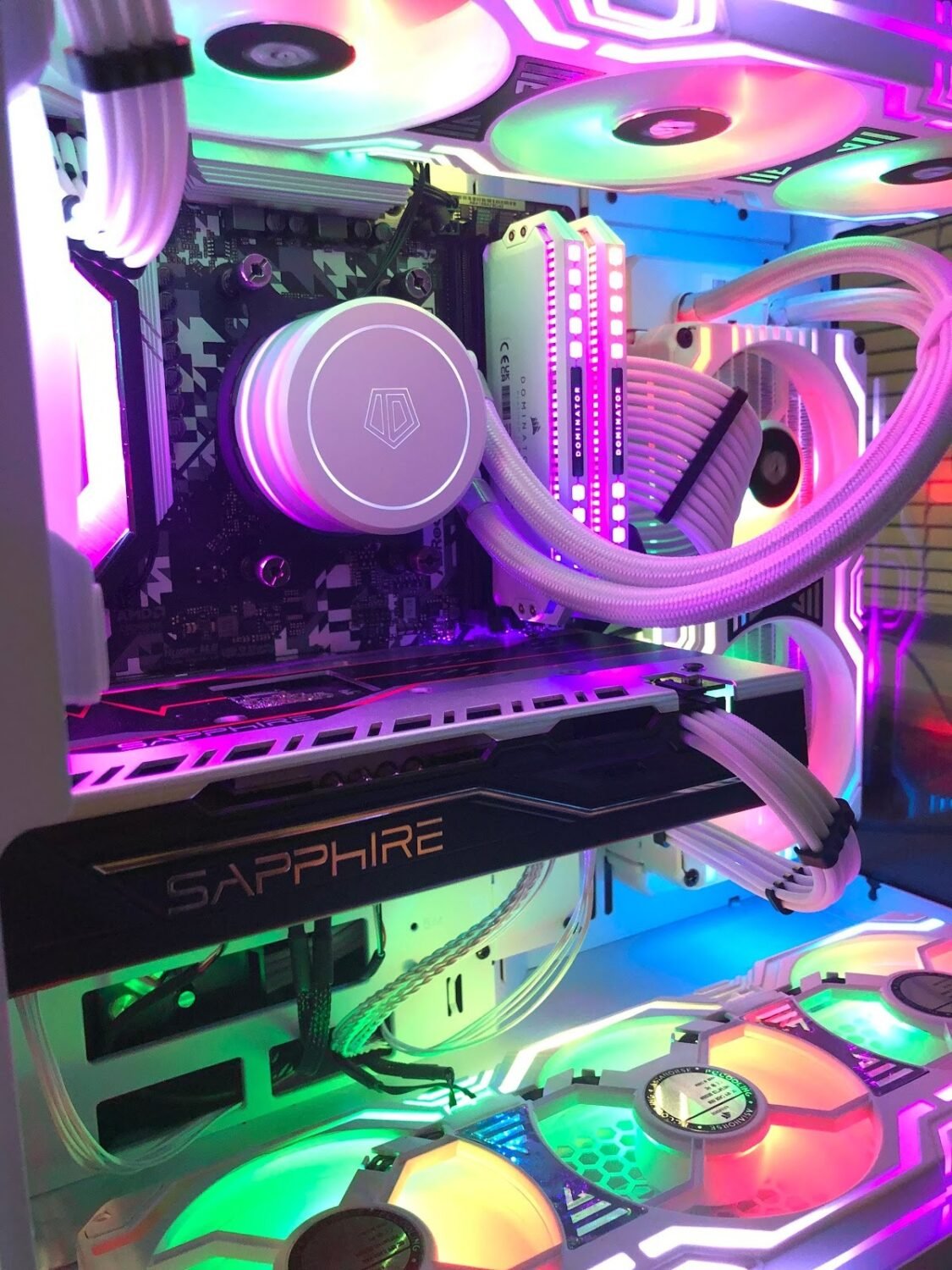
Cooling & Build
- Air cooling standard
- Some models include AIO liquid cooling
- RGB cases common
- Cable management generally acceptable
Cooling performance is adequate for stock configurations but not tuned for extreme overclocking.
Pricing Overview (US Market)
Pricing varies significantly depending on specs.
| Tier | Price Range |
| Entry-level | $700-$1,000 |
| Mid-range | $1,000-$1,800 |
| High-end | $1,800-$3,000+ |
Compared to alternatives:
| Option | Price | Effort |
| Skytech prebuilt | Medium | Low |
| Custom-built PC | Lower-Medium | High |
| Premium prebuilt (Alienware) | High | Low |
Skytech sits in the mid-range value category.
You typically pay a small premium over DIY builds in exchange for convenience and assembly.
Setup & User Experience
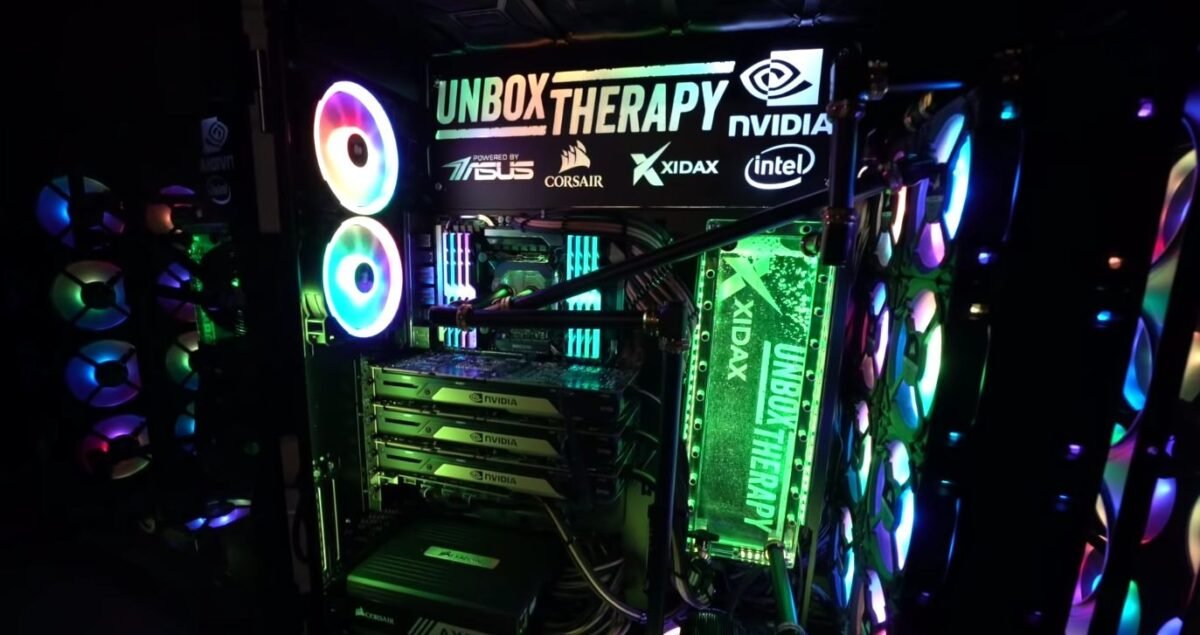
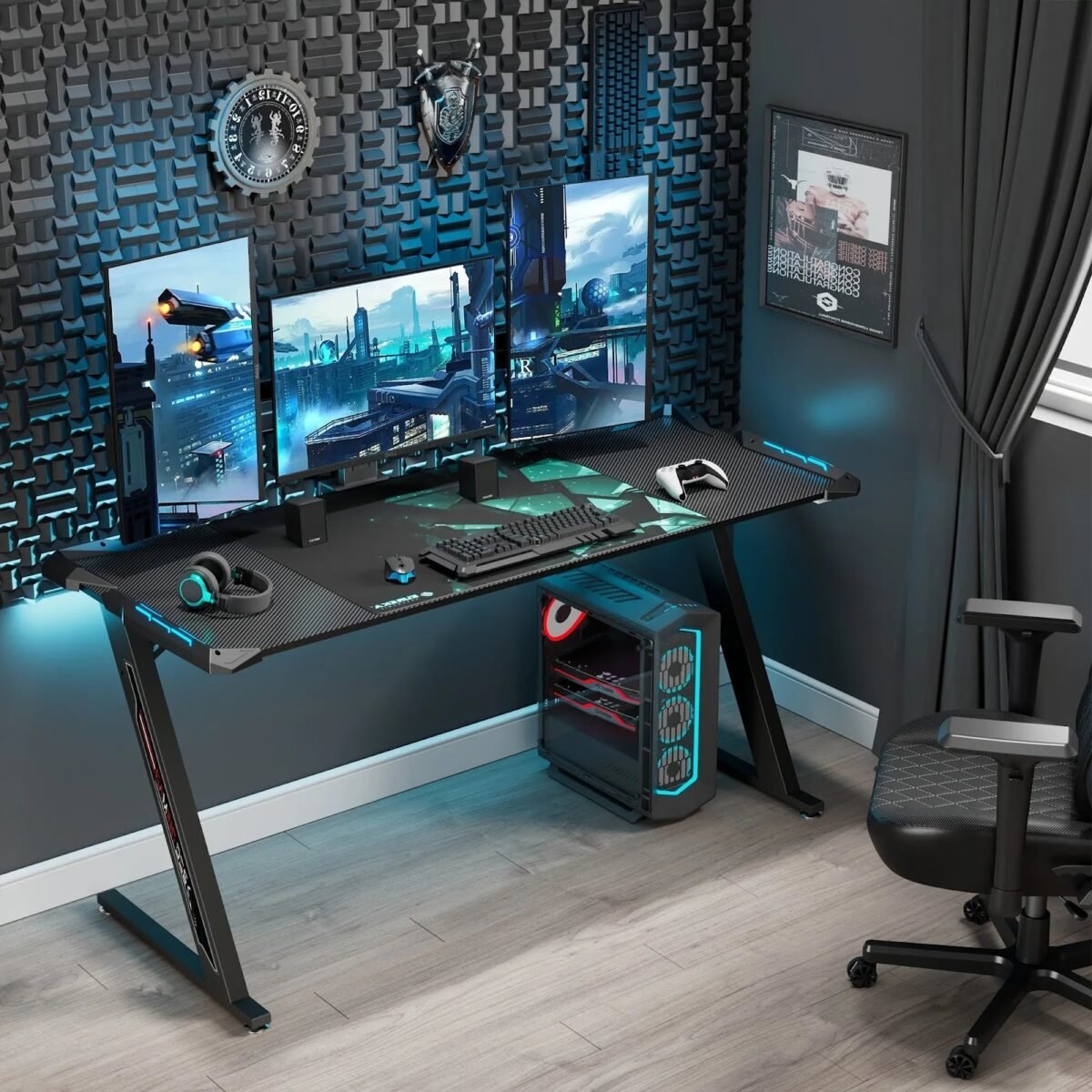
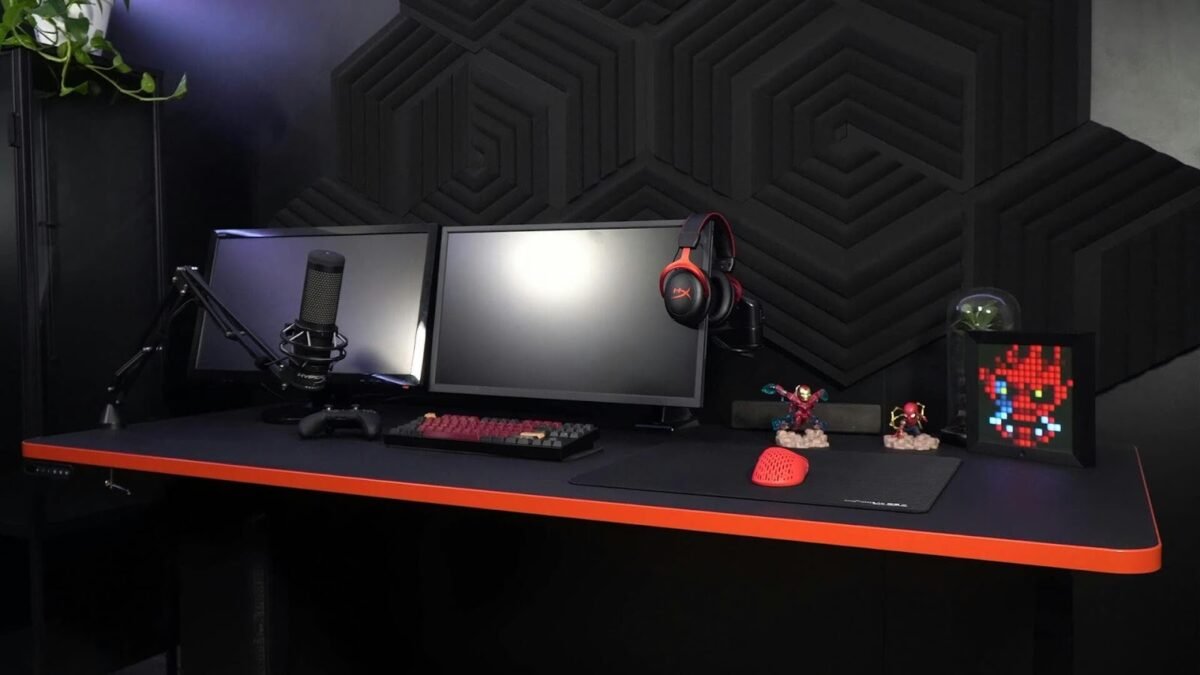
Out-of-the-box experience:
- Fully assembled system
- Windows pre-installed
- Minimal setup required
- Plug-and-play operation
Users only need to connect:
- Monitor
- Keyboard
- Mouse
- Internet
This makes Skytech appealing for non-technical users.
Upgradeability & Longevity
One key advantage:
- Standard components (no proprietary locks)
- Easy RAM and storage upgrades
- GPU upgrade possible depending on PSU
Limitations:
- PSU quality may limit future upgrades
- Case airflow varies by model
Compared to OEM brands like Dell/Alienware, Skytech systems are more flexible.
Pros and Cons
Pros
- Ready-to-use prebuilt gaming PCs
- Competitive pricing vs premium brands
- Uses standard components
- Good performance for gaming
- Wide range of configurations
Cons
- Component brands may vary
- Limited customization at purchase
- Cooling not optimized for overclocking
- Slight price premium vs DIY
Who Is Skytech Gaming For?
Best suited for:
- First-time PC gamers
- Users switching from console to PC
- Gamers who don’t want to build a PC
- Buyers wanting RTX performance quickly
Not ideal for:
- Enthusiasts who prefer full custom builds
- Overclocking-focused users
- Buyers wanting exact component selection
Comparison: Skytech vs Other Prebuilt Brands
| Feature | Skytech | iBUYPOWER | Alienware |
| Price | Mid | Mid | High |
| Component flexibility | Medium | Medium | Low |
| Upgradeability | Good | Good | Limited |
| Build quality | Good | Good | Premium |
| Value for money | Strong | Strong | Lower |
Skytech offers better value than premium OEM brands but less customization than full custom builds.
Important Considerations Before Buying
Before purchasing:
- Choose GPU first (most important factor)
- Check PSU wattage for future upgrades
- Confirm case size and airflow
- Compare price vs building yourself
For most buyers, GPU selection determines 80% of performance.
Final Verdict
This Skytech Gaming PC review finds that the brand offers solid value in the prebuilt gaming PC market.
Strengths:
- Good performance for price
- Standard, upgradeable components
- Easy setup
Limitations:
- Less control than DIY builds
- Some variability in component brands
For US buyers who want a ready-to-use gaming PC without the complexity of building one, Skytech Gaming provides a balanced mix of performance, convenience, and value.
FAQ
1. Is Skytech Gaming a good brand?
Yes, it is considered a reliable mid-range prebuilt gaming PC brand.
2. Are Skytech PCs upgradeable?
Yes, most systems use standard components that can be upgraded.
3. Do Skytech PCs come with Windows?
Yes, typically pre-installed and ready to use.
4. Are they cheaper than building your own PC?
Usually slightly more expensive than DIY, but include assembly and support.
5. What GPU should I choose?
For most users, RTX 4060 or higher is recommended for modern gaming.